
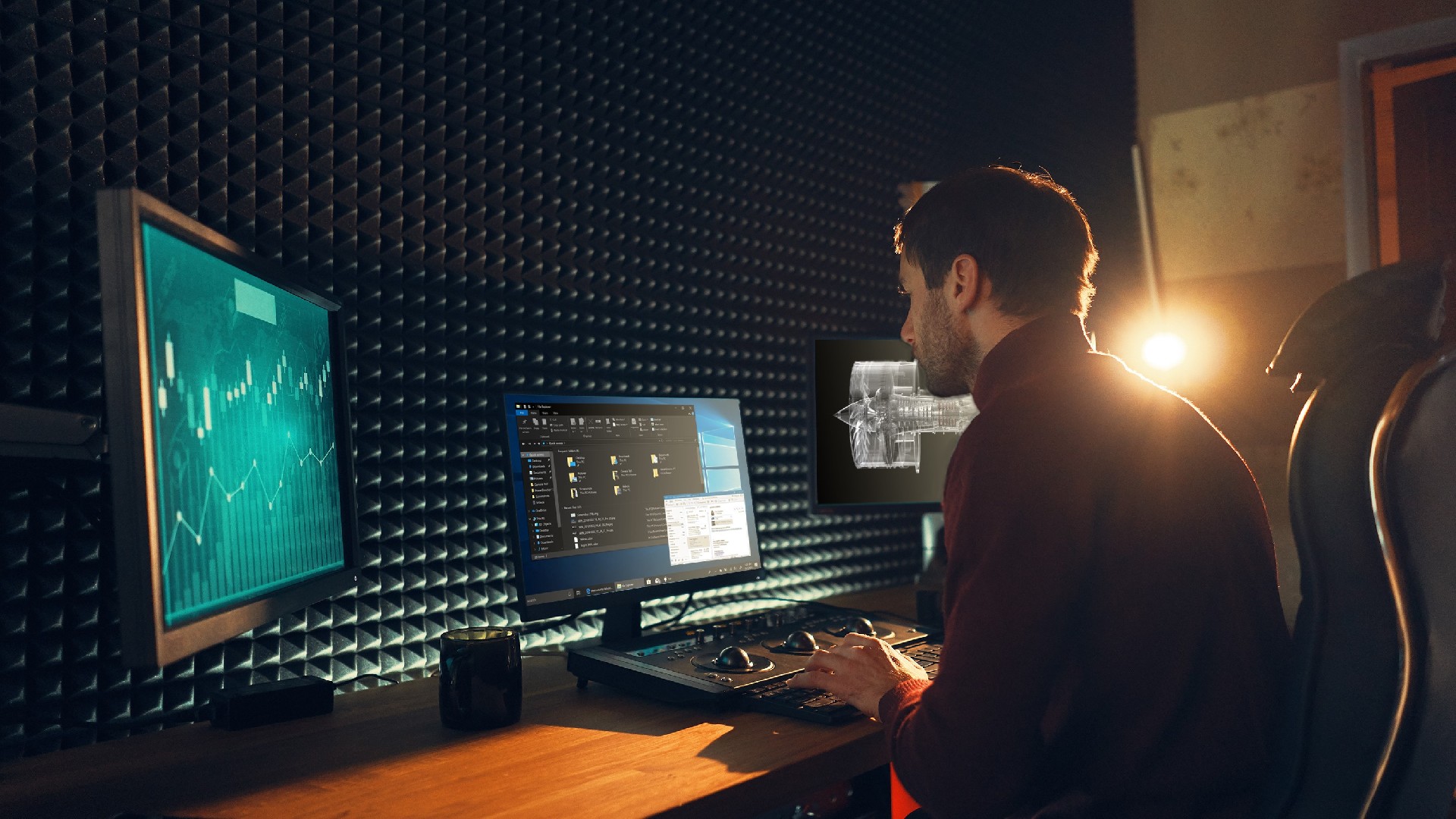
NVIDIA GPU-enabled Windows 365 Cloud PCs may be a practical evaluation platform for graphics-intensive and AI-assisted work where teams want cloud-hosted desktop access instead of building separate infrastructure. The supplied source describes Windows 365 GPU Standard, GPU Super, and GPU Max offerings, and reports tests involving NVIDIA Tensor Core GPUs. Results are workload-specific rather than general performance guarantees, so organizations should validate the exact service SKU, GPU allocation, application version, data location, and user-concurrency model before deployment.
What the platform is intended to support
The source presents GPU-enabled Windows 365 Cloud PCs as a way to run demanding visual, AI, development, and geospatial workloads in a Cloud PC environment. NVIDIA GPU acceleration and NVIDIA RTX virtual workstation capabilities are described as supporting complex graphics-focused tasks without requiring an organization to deploy separate local infrastructure for the evaluated use cases.
Three Windows 365 GPU product levels are named: Windows 365 GPU Standard, Windows 365 GPU Super, and Windows 365 GPU Max. The source also states that Microsoft does not specify or guarantee a particular hardware configuration. Although its September 2024 tests identify NVIDIA A10-based configurations, buyers should not assume that an A10 GPU, a given vRAM amount, or any other component will apply to every Windows 365 GPU Cloud PC.
Workloads covered by the source
AI-assisted media creation
For Blackmagic Design DaVinci Resolve 19 beta, the source evaluated both general functions and AI-enhanced functions, including UltraNR, Super Scale, and Speed Warp. In the cited test, a fully dedicated GPU Windows 365 Enterprise GPU Max configuration delivered up to four times the performance when AI features were enabled. The source also reports 15% higher average GPU use for AI functions than for its general-function test on GPU Max.
This makes the platform relevant to teams assessing remote video workflows that depend on GPU-accelerated effects and rendering. However, the measurement was limited to one user per virtual machine and the named beta software version. Actual edit, encoding, rendering, storage, and collaboration performance must be tested with the organization’s footage, codecs, plug-ins, and review workflow.
Small-model AI proof of concept
The source describes deployment of Phi-3-mini-4K for a chatbot proof of concept on Windows 365 Enterprise GPU Max. In that specific test, the GPU-enabled Cloud PC achieved 4.5 times the tokens per second of a CPU-only Cloud PC. This points to a potential fit for early experimentation with a small language model, especially where a team wants to test an idea before committing to additional infrastructure.
That result does not establish inference throughput for other models, quantization methods, frameworks, context lengths, concurrent users, or production applications. A project team should measure token rate, response latency, memory use, security controls, data handling, and cost against its own acceptance criteria.
Deep-learning geospatial analysis
The source also used ArcGIS Pro and a pretrained tree-detection model on satellite maps. It reports that Windows 365 Enterprise GPU Max reduced processing time by up to two times and reduced average rendering time by 12 times compared with a CPU-only Cloud PC in the stated evaluation. This suggests a possible evaluation path for GIS teams processing large datasets or running deep-learning tools remotely.
Model accuracy, analysis duration, and rendering behavior can vary with imagery resolution, geographic coverage, training data, ArcGIS Pro configuration, and the selected deep-learning model. These factors require project-specific testing.
How to evaluate a suitable configuration
- Classify the target work: interactive design, small-model experimentation, GIS analysis, or a mixed workflow.
- Document the required application versions, data volumes, storage needs, GPU memory needs, expected session length, and number of simultaneous users.
- Run a controlled pilot with representative files, models, and user actions. Keep the test conditions explicit, including whether each virtual machine is assigned to one user.
- Compare GPU Standard, GPU Super, and GPU Max only through measured workflow outcomes such as render time, tokens per second, processing time, and user responsiveness.
- Confirm the purchased SKU and complete bill of materials in dated official Microsoft and NVIDIA documentation. The source does not establish that a particular GPU model is guaranteed for all service instances.
FAQ
Does the source prove that Windows 365 GPU Max is best for every AI workload?
No. The reported results favor GPU Max in the source’s DaVinci Resolve, Phi-3-mini-4K, and ArcGIS Pro evaluations, but each test used defined software, configurations, metrics, and one user per VM. The right configuration depends on the organization’s workload and must be confirmed through a pilot.
Can buyers rely on NVIDIA A10 being included with every GPU-enabled Windows 365 Cloud PC?
No. The source identifies A10-based test configurations while also stating that Microsoft does not specify or guarantee specific hardware. Verify the exact SKU, underlying hardware terms, GPU resources, and regional service details in dated official product documentation before making a purchasing decision.
Conclusion
The source supports evaluating NVIDIA GPU-enabled Windows 365 Cloud PCs for AI-assisted content creation, small-model proof of concept work, and deep-learning geospatial analysis. Its benchmark figures are useful starting points, not universal commitments. A representative workload pilot and verification of the complete service configuration are necessary before selecting GPU Standard, GPU Super, or GPU Max.
After reviewing NVIDIA GPU-Enabled Windows 365 Cloud PCs for AI Workloads, continue with NVIDIA products and networking solutions for related evaluation paths.

 WeChat
 Profile